
How to Lead Capture 如何名單蒐集
.png?inst-v=8c7d6269-2969-49ae-8ec0-ab72c3aae009)
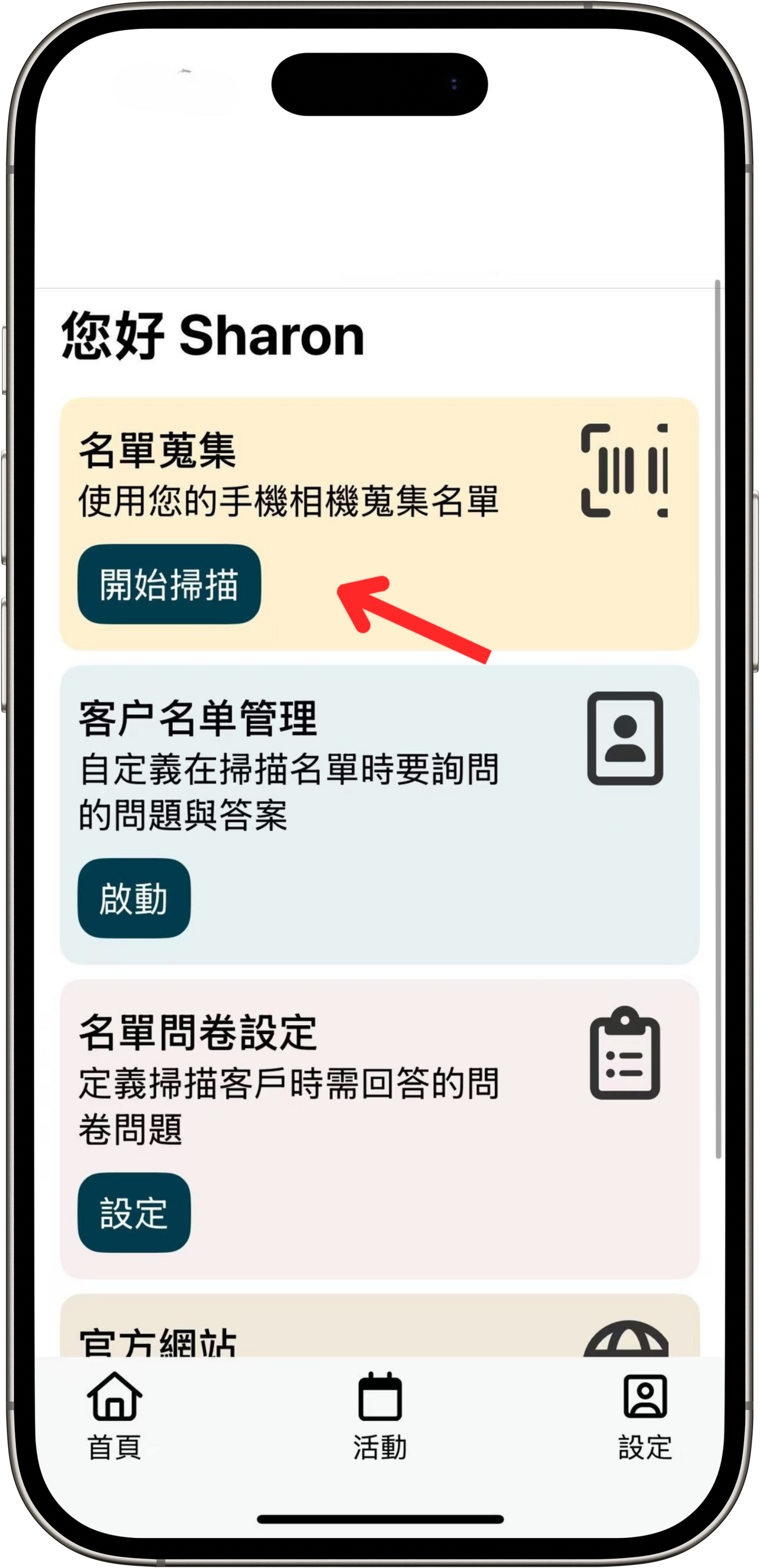
Tap Lead Capture to activate the camera and scan the QR code on the paper badge
點選名單蒐集,啟動相機以掃描紙本胸卡上的二維碼
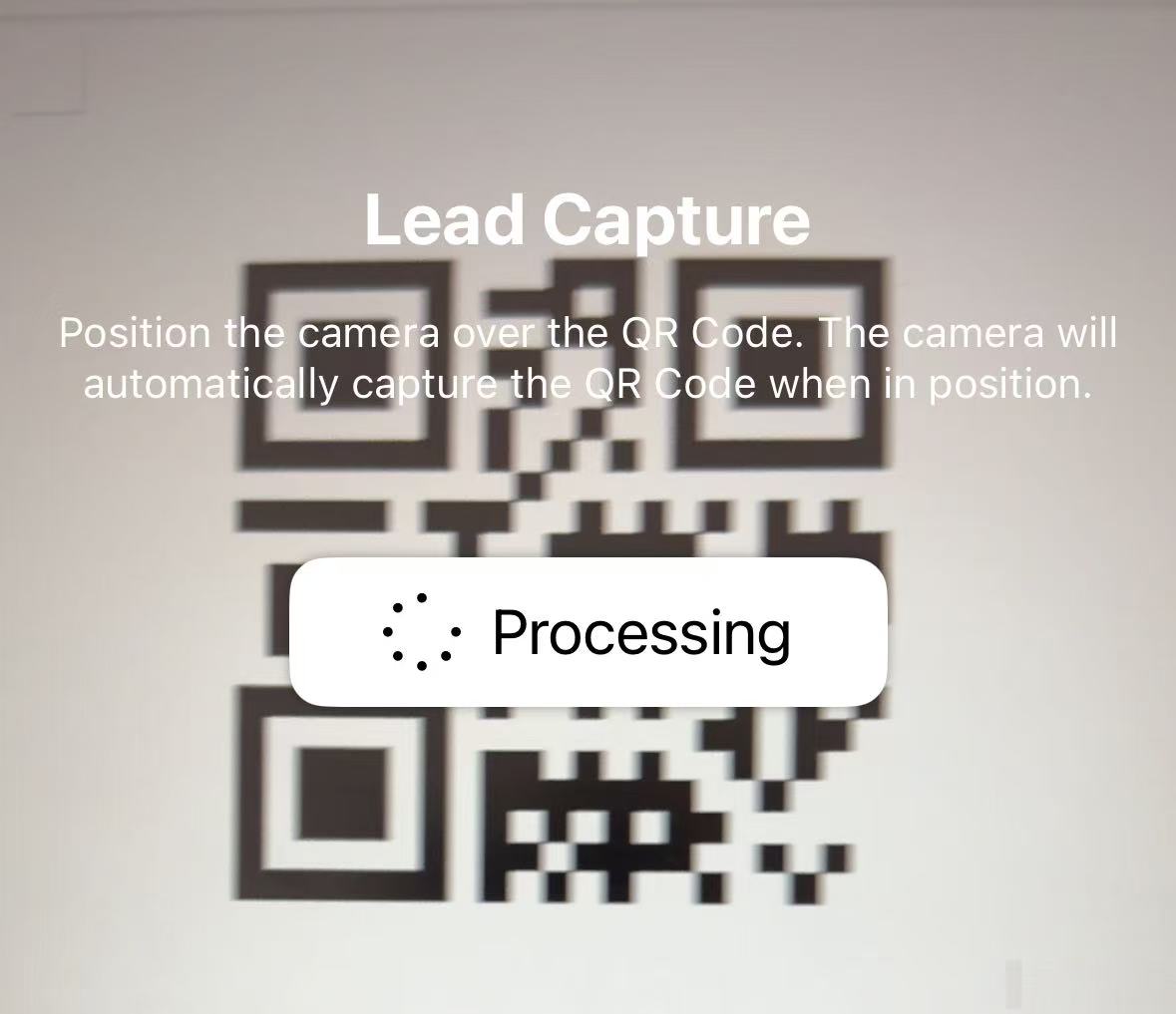
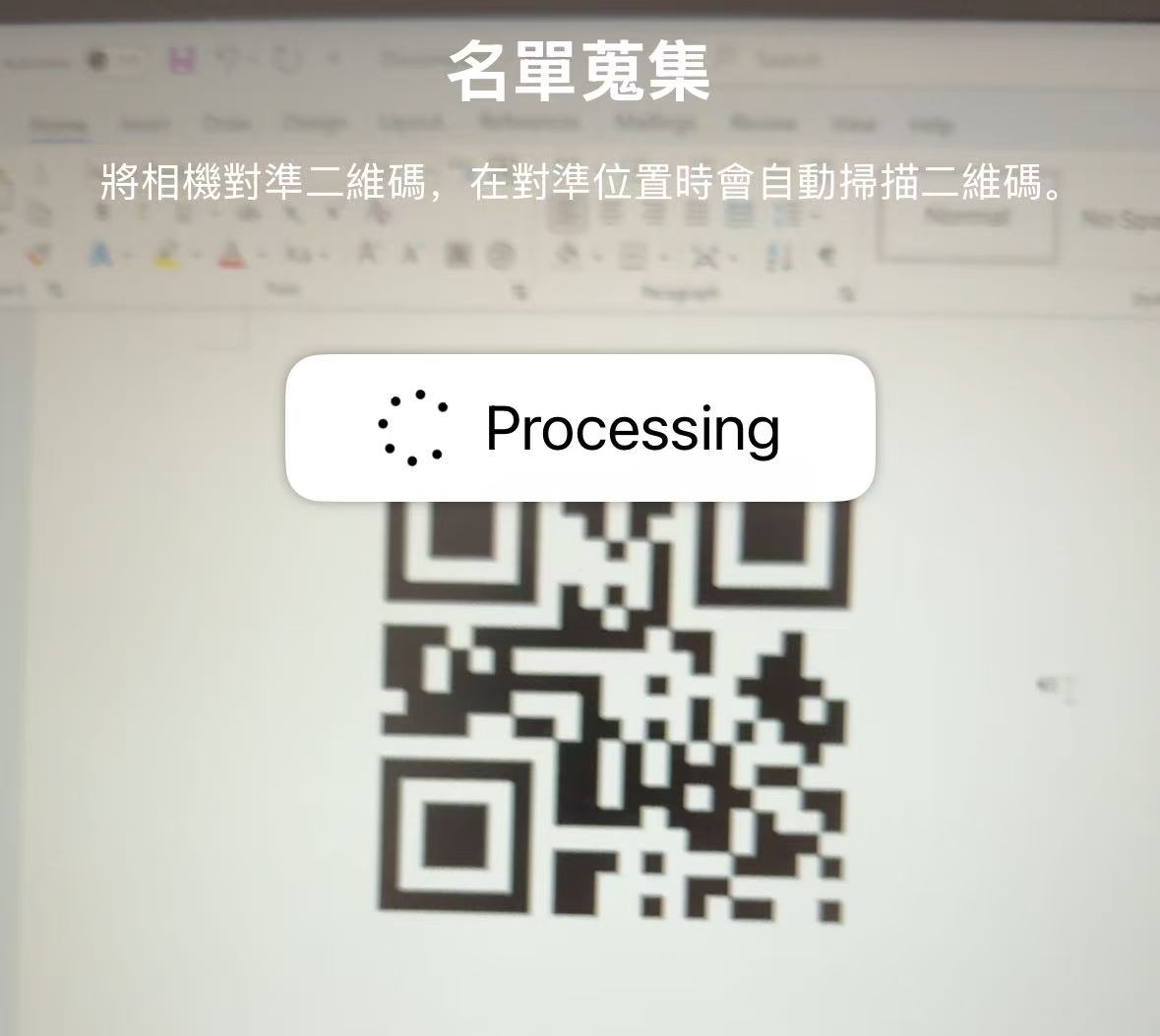
Point the camera at the QR code, and the app will automatically scan it.
將相機對準二維碼,系統會自動掃描並讀取。
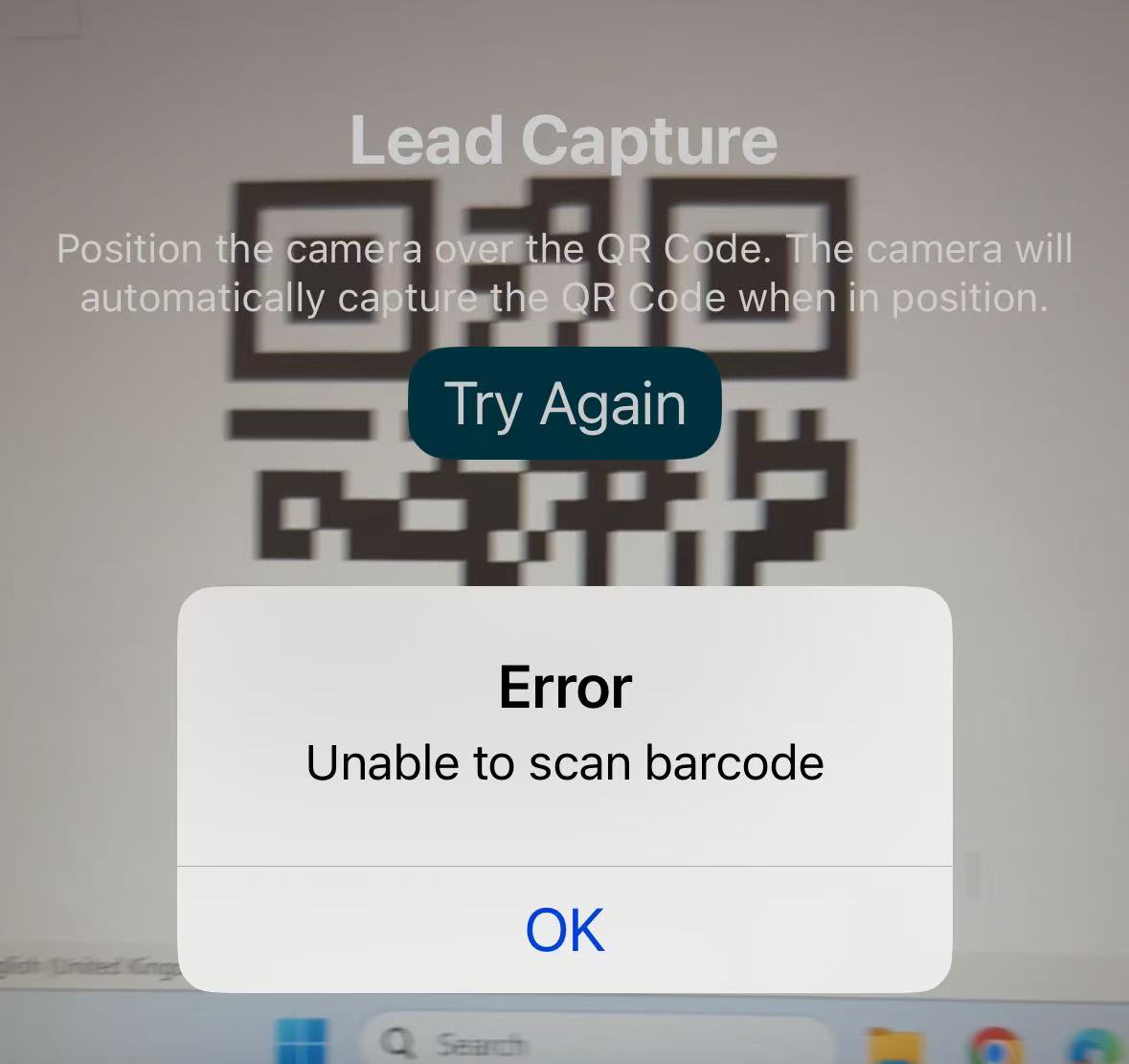
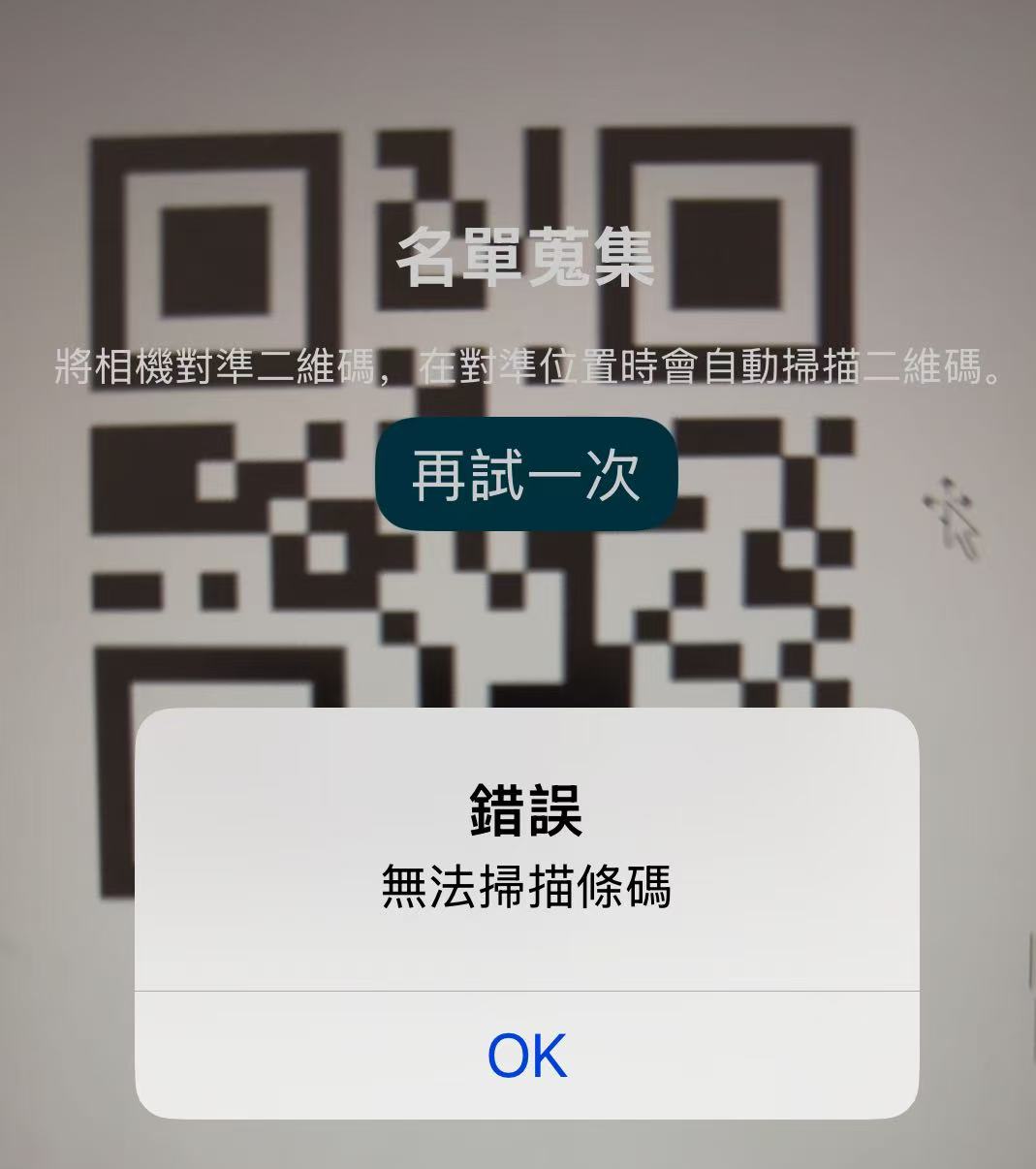
If the scan fails, please try again. The QR code may not belong to this event.
若掃描失敗,請重新嘗試,或確認該二維碼是否屬於本次活動。